

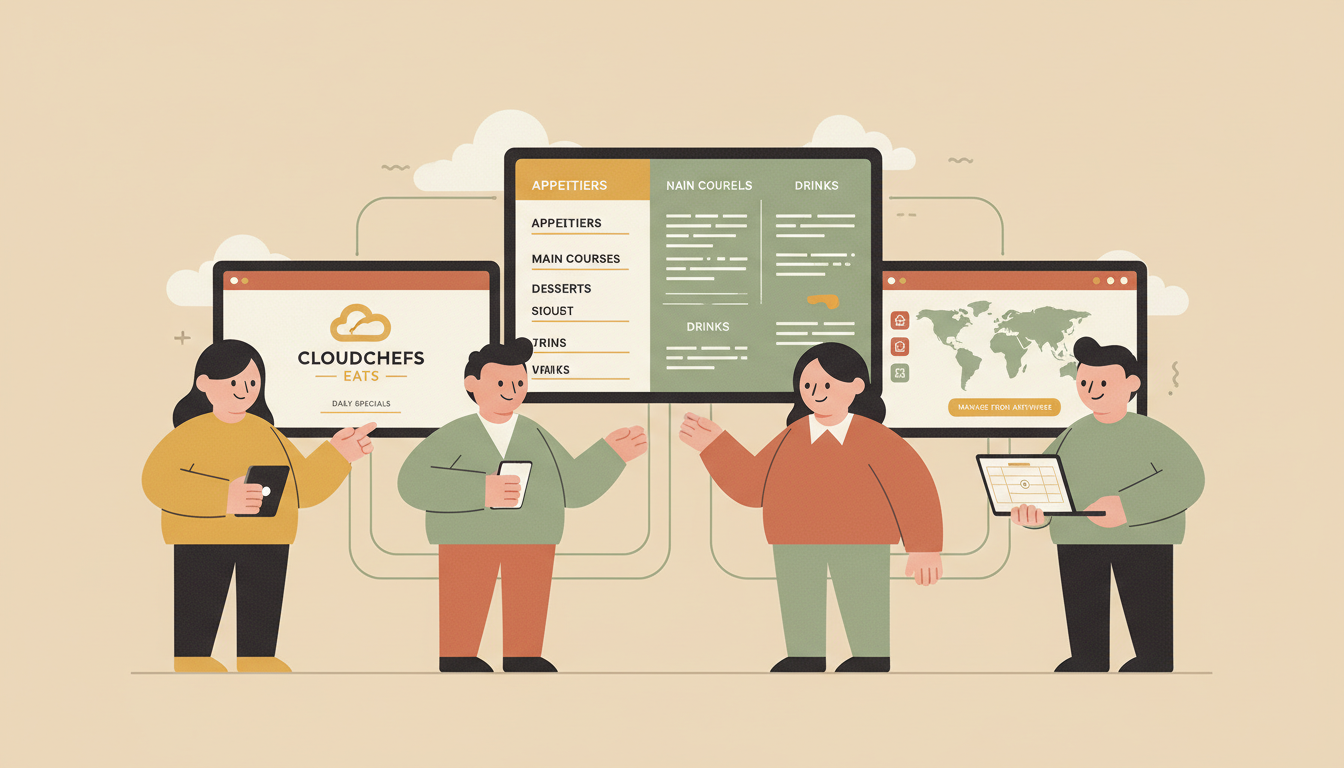

Running a restaurant means constant change. Prices shift. Items sell out. New specials launch. Your menu needs to keep up. The good news is that modern digital menu boards let you make updates from anywhere, at any time. No ladder. No printed signs. Just a few clicks.
Remote management is one of the biggest advantages of going digital. It saves time, reduces errors, and keeps your menu fresh. Here is how it works and how to do it right.
What Remote Management Means for Your Menu
Remote management means you can control your digital menu boards through the internet. You do not need to be in the restaurant. You do not need to touch the screen. Everything happens through a web-based dashboard or app.
This is possible because digital menu boards use cloud-based software. Your content lives online. When you make a change, it pushes to your screens instantly. Whether you have one location or fifty, the process is the same.
Think about what this means for daily operations. A supplier calls to say they are out of chicken. You can remove that item from your menu in seconds. A holiday promotion starts tomorrow. You can schedule it today. This level of control was impossible with printed menus.
The Basic Setup You Need
To update your menu boards remotely, you need three things: a screen, a media player, and software. The screen displays your content. The media player connects to the internet and runs the software. The software is where you create and manage everything.
Some systems use a small computer that plugs into your TV. Others work with smart TVs that have built-in apps. Either way, the device needs a stable internet connection. Without it, remote updates will not work.
The software is the brain of the operation. Good software makes updates easy. Bad software makes them frustrating. Look for a platform that offers drag-and-drop editing, templates, and scheduling features. SmarterSign provides complete control to update remotely through an intuitive dashboard that anyone on your team can learn quickly.
Step-by-Step: Making a Remote Update
The process is simple once your system is set up. Here is what a typical update looks like.
- Log into your software dashboard from any computer
- Select the content or schedule you want to update
- Edit the content directly or upload new images and text
- Preview your changes before publishing
- Click publish and watch the update go live
Most changes take effect within seconds. Some platforms let you schedule updates for a specific time. This is useful for promotions that start at midnight or menu changes that happen at the beginning of a new week.
The key is that you never have to leave your office. You never have to call the store and ask someone to change the sign. You handle it yourself, or you delegate it to someone you trust.
Why POS Integration Changes Everything
Manual updates work fine for small changes. But what happens when you have hundreds of items? What if prices change often? Typing everything by hand gets old fast. This is where POS integration comes in.
POS stands for point of sale. It is the system your staff uses to ring up orders. When your menu board software connects to your POS, data flows automatically. Prices update on their own. Items marked as sold out disappear from the screen.
SmarterSign offers POS integration with popular systems like Square and Clover. This connection eliminates double entry. Your menu board always matches your register. Customers see accurate information. Staff spend less time fixing mistakes.
Integration also opens the door to smarter features. Some systems can track which items sell best and suggest what to promote. Others can adjust pricing based on time of day. The possibilities grow when your tools talk to each other.
Managing Multiple Locations
Single-location restaurants have it easy. Multi-location brands face a bigger challenge. Each store might have different prices, different specials, or different hours. Keeping everything consistent takes effort.
Cloud-based software solves this problem. You can manage all your locations from one dashboard. Push the same update to every store at once. Or customize content for each location based on its needs.
For example, a franchise might run a national promotion. Corporate can push that content to all screens with one click. At the same time, each store can adjust local pricing or add regional items. The system handles both.
Learn more about this approach in our guide on managing a multi-location digital menu board rollout. It covers planning, execution, and common pitfalls to avoid.
Scheduling and Dayparting
Not every menu item belongs on screen all day. Breakfast ends at 11 AM. Happy hour starts at 4 PM. Late-night specials kick in after 9 PM. Your menu should reflect these changes automatically.
This is called dayparting. It means dividing the day into parts and showing different content during each one. Good software lets you set this up once and forget about it. The system switches content on schedule without any manual work.
Dayparting does more than show the right items. It helps you sell more. Customers are more likely to order something when they see it at the right moment. A lunch combo looks appealing at noon. A dessert special works better after dinner.
Read our article on the power of dayparting for strategies that boost sales through smart scheduling.
Keeping Content Fresh Without Overcomplicating It
Remote access makes updates easy. But easy does not mean you should change everything all the time. Too many changes confuse customers. Too few make your menu feel stale.
Find a rhythm that works for your business. Update prices when they change. Swap out promotions every few weeks. Refresh images seasonally. Test new layouts when you have time to measure results.
Design matters too. A well-designed menu board is easier to update because the structure stays the same. Check out our tips for designing an effective digital menu board for guidance on building a strong foundation.
What to Look for in a Remote Management Platform
Not all software is created equal. Some platforms are built for tech experts. Others are made for busy restaurant owners who need things to just work. Here is what matters most.
- Ease of use: Can your team learn it in an hour?
- Reliability: Does it update quickly without glitches?
- Scheduling: Can you set content to change automatically?
- Multi-location support: Can you manage all your stores in one place?
- POS integration: Does it connect to your existing systems?
- Support: Is help available when you need it?
SmarterSign checks all these boxes. The platform gives you complete control to update remotely while keeping things simple. Whether you run one store or a hundred, the tools scale with your needs.
The Bottom Line
Remote management transforms how restaurants handle their menus. It saves time. It reduces errors. It gives you control you never had with printed signs.
The technology is mature and affordable. Setup takes hours, not weeks. And once you are running, updates happen in seconds from anywhere in the world.
If you are still printing menus or driving to stores to change signs, there is a better way. Explore what SmarterSign can do for your business and see how easy remote menu management can be.